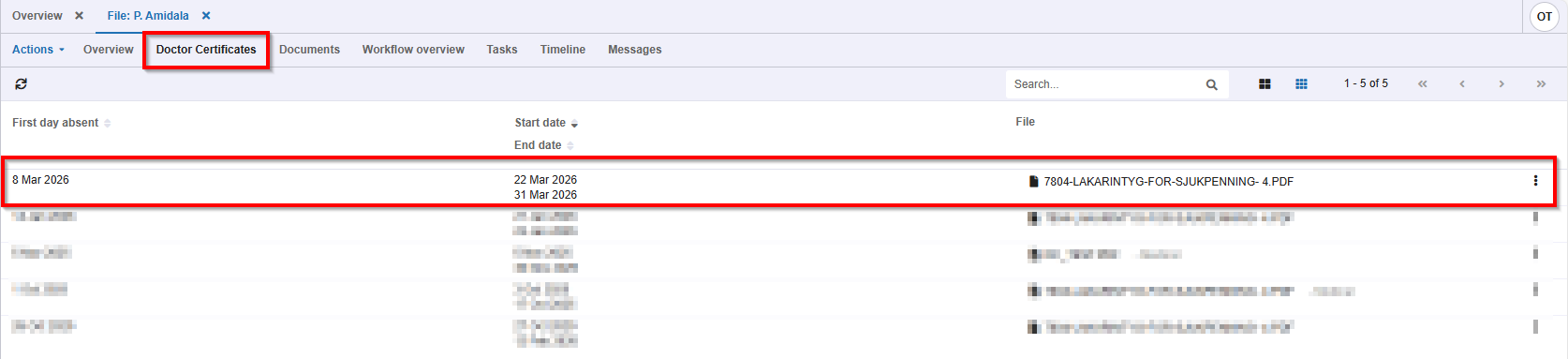
Doctor's Certificates (DC) need to be uploaded in Xpert Suite manually. This article shows you how to do this. There is an action link for this that can be configured through the management menu. You can look at this article if want to learn more about the configuration of the Doctor's Certificate upload.
1. Find the action link to upload the Doctor's Certificate on your home page.
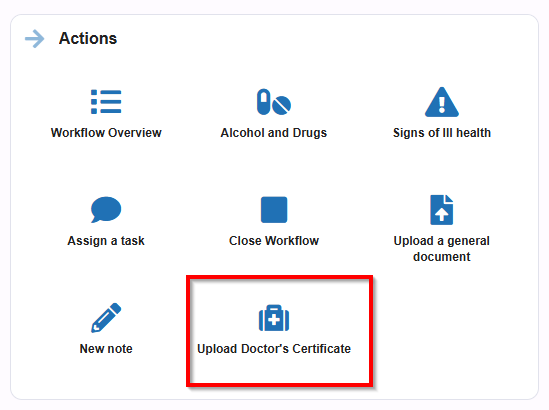
2. Select the employee.

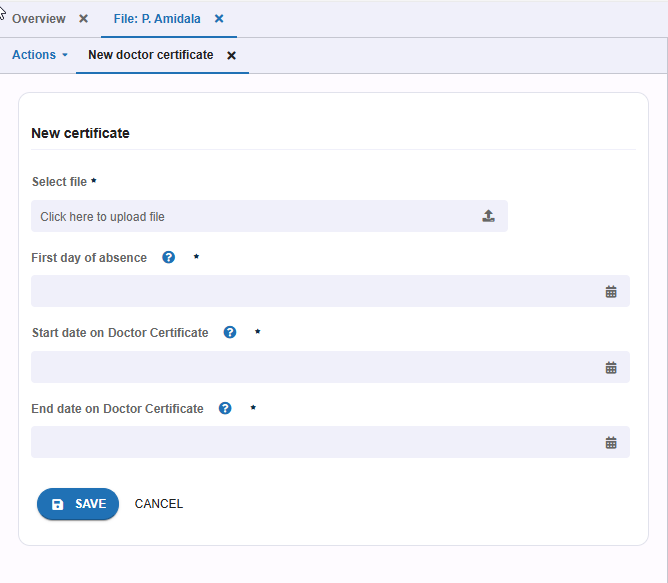
3. Select the Doctor's Certificate and fill in the first day of absence, start date on the DC and the end date on the DC.
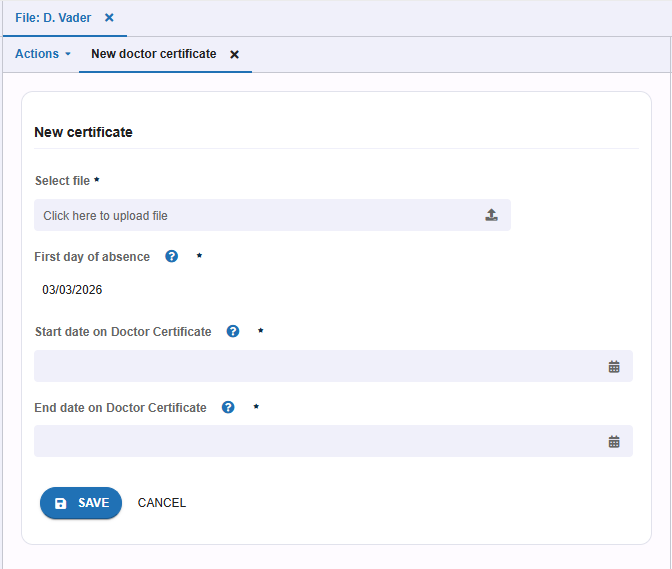
If there is already a running absence for the employee, the first day of absence will be pre-filled.
4. After saving, the Doctor's Certificate will be present in the casefile within the tab 'Doctor Certificates'.